


Title
How to configure the outer border of the primitive when hovering in a bar chart?
Description
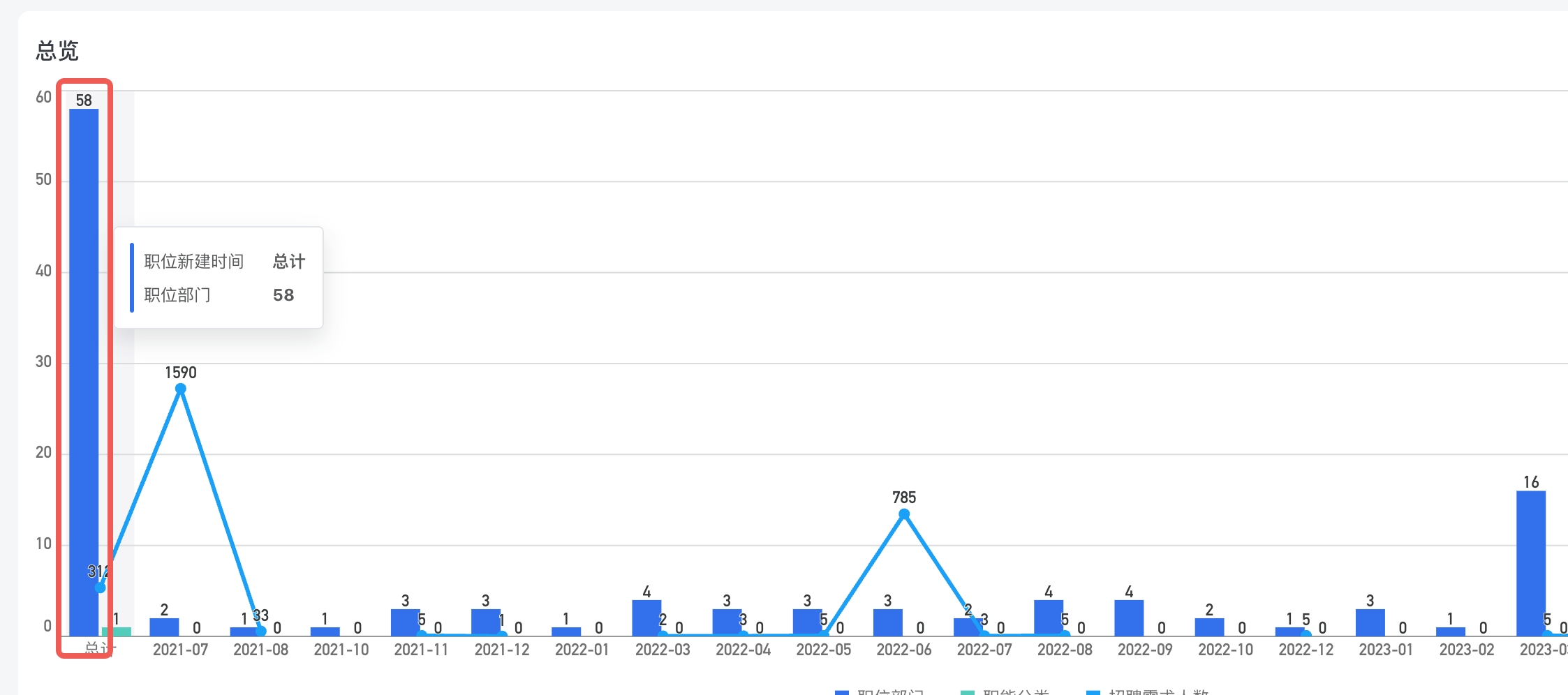
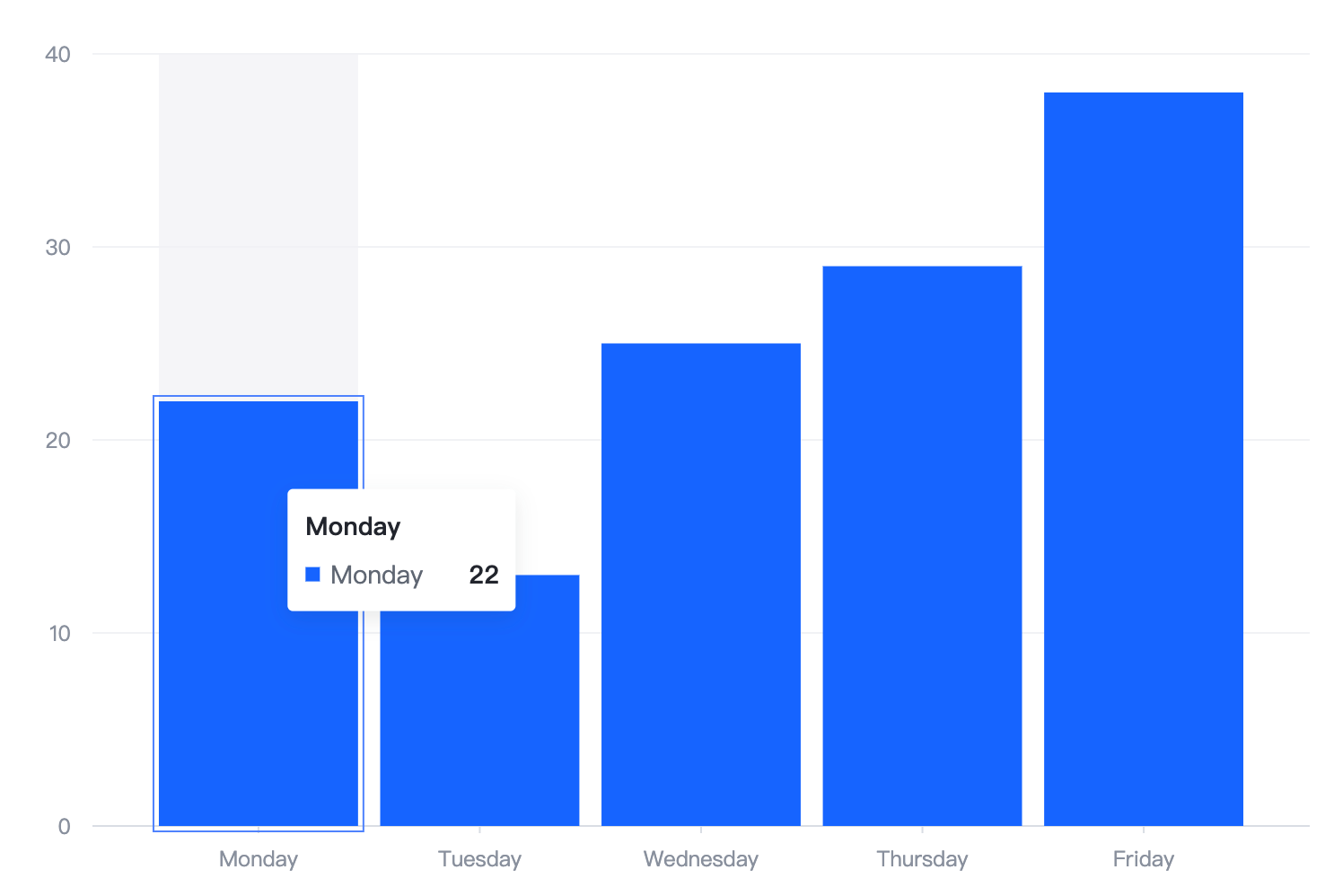
How to configure the outer border effect displayed when hovering on a bar chart? I hope that when hovering, there will be an outer border with a certain gap from the primitive.
Solution
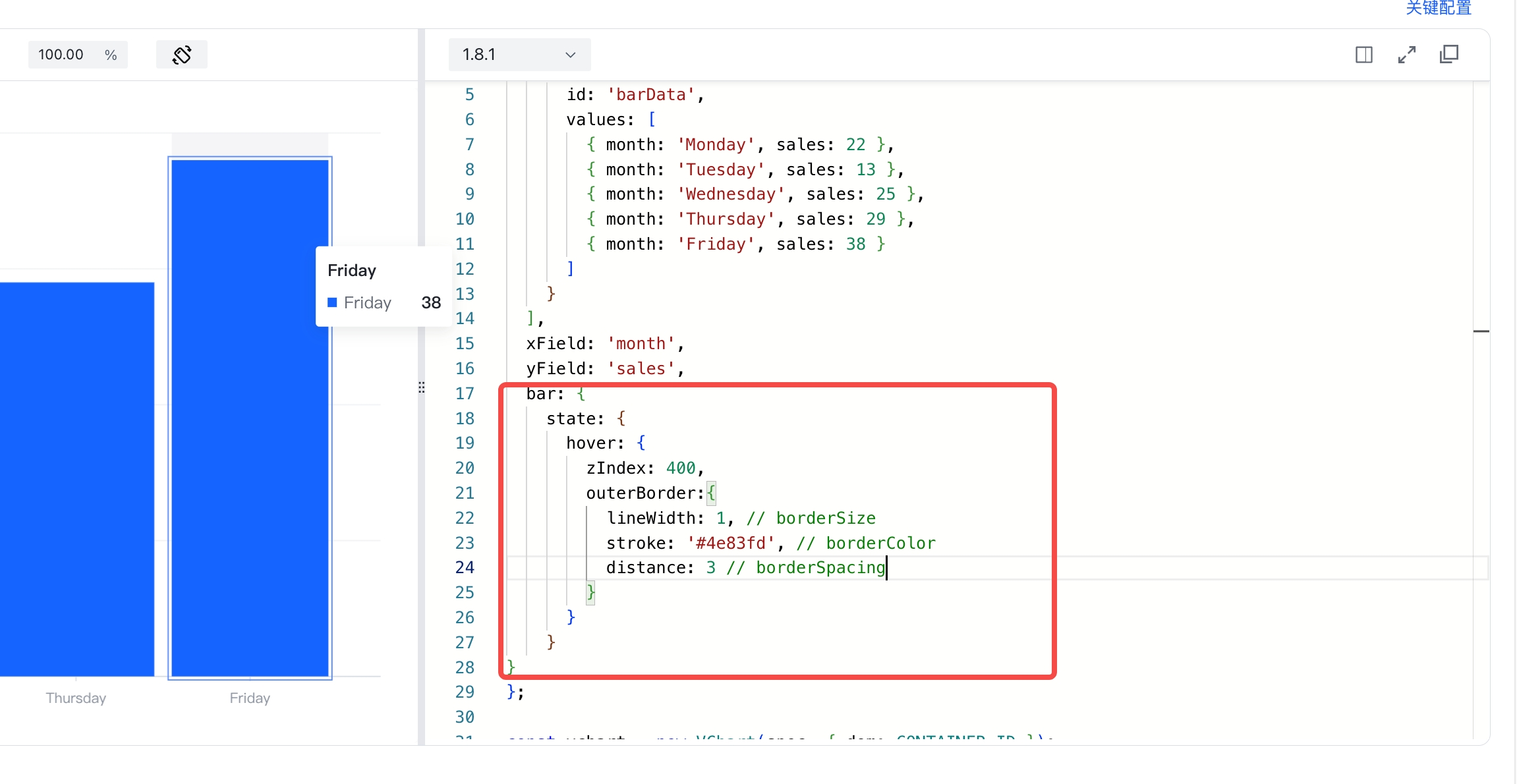
You can configure the lineWidth of border thickness, stroke of border color, and distance of gap between the border in bar.state.hover.outerBorder.
Code Example
const spec = {
  type: 'bar',
  data: [
    {
      id: 'barData',
      values: [
        { month: 'Monday', sales: 22 },
        { month: 'Tuesday', sales: 13 },
        { month: 'Wednesday', sales: 25 },
        { month: 'Thursday', sales: 29 },
        { month: 'Friday', sales: 38 }
      ]
    }
  ],
  xField: 'month',
  yField: 'sales',
  bar:{
    state:{
      hover:{
        zIndex:400,
        outerBorder:{
          lineWidth:1, // borderSize
          stroke:'#4e83fd', // borderColor
          distance: 3 // borderSpacing
        }
      }
    }
  }
};

const vchart = new VChart(spec, { dom: CONTAINER_ID });
vchart.renderSync();

// Just for the convenience of console debugging, DO NOT COPY!
window['vchart'] = vchart;</br>
Results
Online demo:https://codesandbox.io/p/sandbox/hover-border-wq6lsr?file=%2Fsrc%2Findex.ts%3A23%2C23
Related Documentation
Bar Chart Demo:https://www.visactor.io/vchart/demo/bar-chart/basic-column
Bar Chart Toturial:https://www.visactor.io/vchart/guide/tutorial_docs/Chart_Types/Bar
github:https://github.com/VisActor/VChart