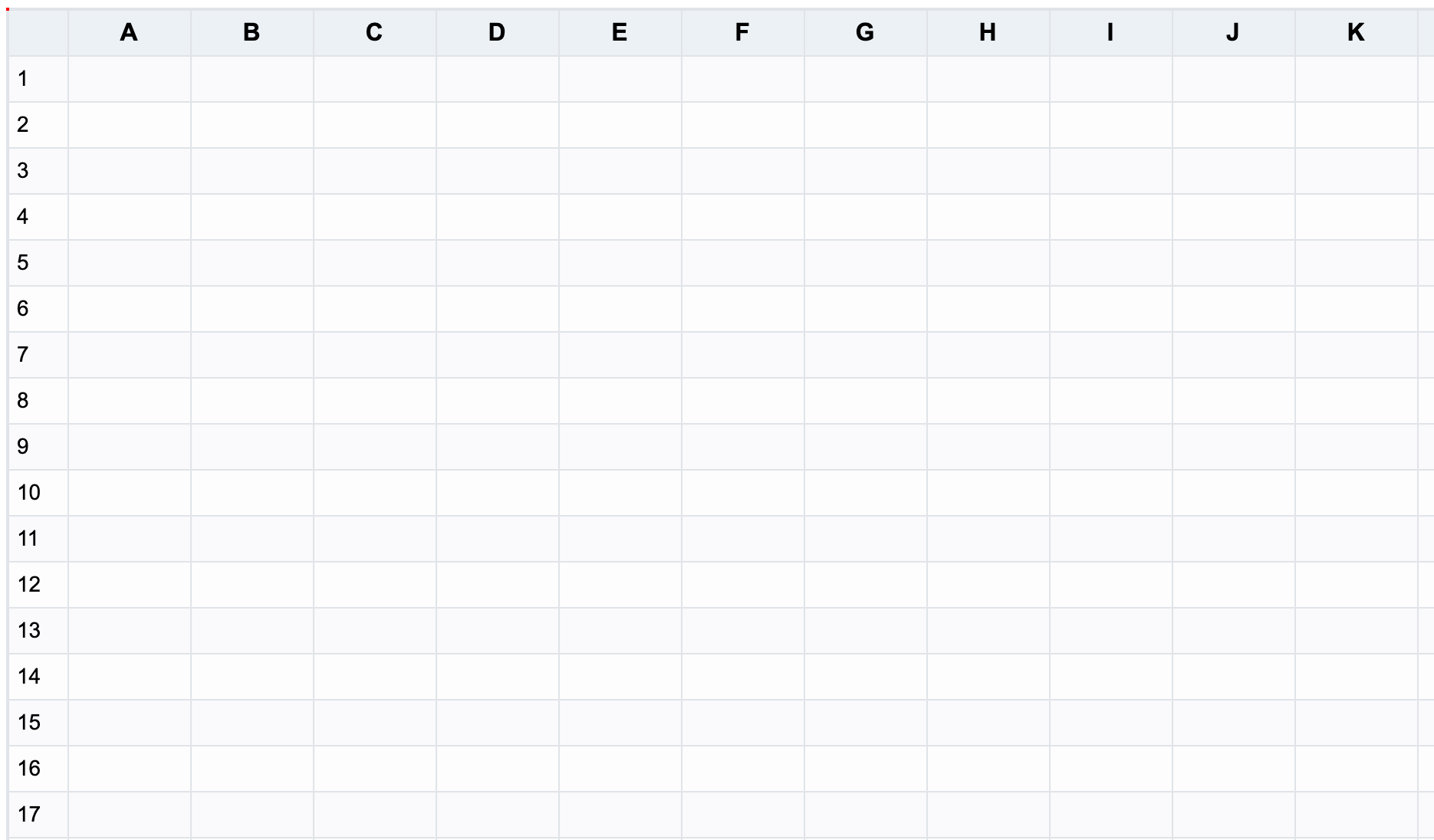
ColumnSeriesPlugin and RowSeriesPlugin are VTable extension components that automatically generate row and column numbers.
Plugin Parameters
export interface ColumnSeriesOptions {
  columnCount: number;
  generateColumnTitle?: (index: number) => string; // Custom column title generation function
  generateColumnField?: (index: number) => string;// Custom column field name generation function
  /**
   * Whether to automatically extend columns
   * @default true
   */
  autoExtendColumnTriggerKeys?: ('ArrowRight' | 'Tab')[];
}

export interface RowSeriesOptions {
  rowCount: number;
  fillRowRecord?: (index: number) => any; // Custom data generation function for filling empty rows
  rowSeriesNumber?: VTable.TYPES.IRowSeriesNumber;
  /**
   * Whether to automatically extend rows
   * @default true
   */
  autoExtendRowTriggerKeys?: ('ArrowDown' | 'Enter')[];
}
In the column series plugin configuration, in addition to setting the number of columns to generate, you can also configure the field names and titles needed for VTable column configuration.
In the row series plugin configuration, rowCount can be set to configure the number of rows to generate, rowSeriesNumber can be used to configure row numbering, which takes precedence over the options.rowSeriesNumber in the VTable instance initialization. fillRowRecord can be configured to generate row data; if not configured, it defaults to returning an empty object {}.
Basic Usage
import * as VTable from '@visactor/vtable';
import { ColumnSeriesPlugin } from '@visactor/vtable-plugins';

// Create a ColumnSeries plugin instance
const columnSeries = new ColumnSeriesPlugin({
  columnCount: 100  // Set the number of columns
});

// Create a RowSeries plugin instance
const rowSeries = new RowSeriesPlugin({
  rowCount: 100  // Set the number of rows
});

// Use the plugins in VTable options
const option: VTable.ListTableConstructorOptions = {
  container: document.getElementById('container'),
  records: data,
  plugins: [columnSeries, rowSeries],
  // Other VTable configurations...
};

// Create the table instance
const tableInstance = new VTable.ListTable(option);
Advanced Usage
Custom Column Titles and Field Names
const columnSeries = new ColumnSeriesPlugin({
  columnCount: 100,
  // Custom column title generation
  columnTitleGenerator: (index) => `Custom Title ${index}`,
  // Custom field name generation
  columnFieldGenerator: (index) => `field_${index}`
});
Custom Row Data
const rowSeries = new RowSeriesPlugin({
  rowCount: 100,
  // Custom row data generation returning an empty array
  fillRowRecord: (index) => ([])
});

// or
const rowSeries = new RowSeriesPlugin({
  rowCount: 100,
  // Custom row data generation
  fillRowRecord: (index) => (['Name', 'Age', 'Address'])
});