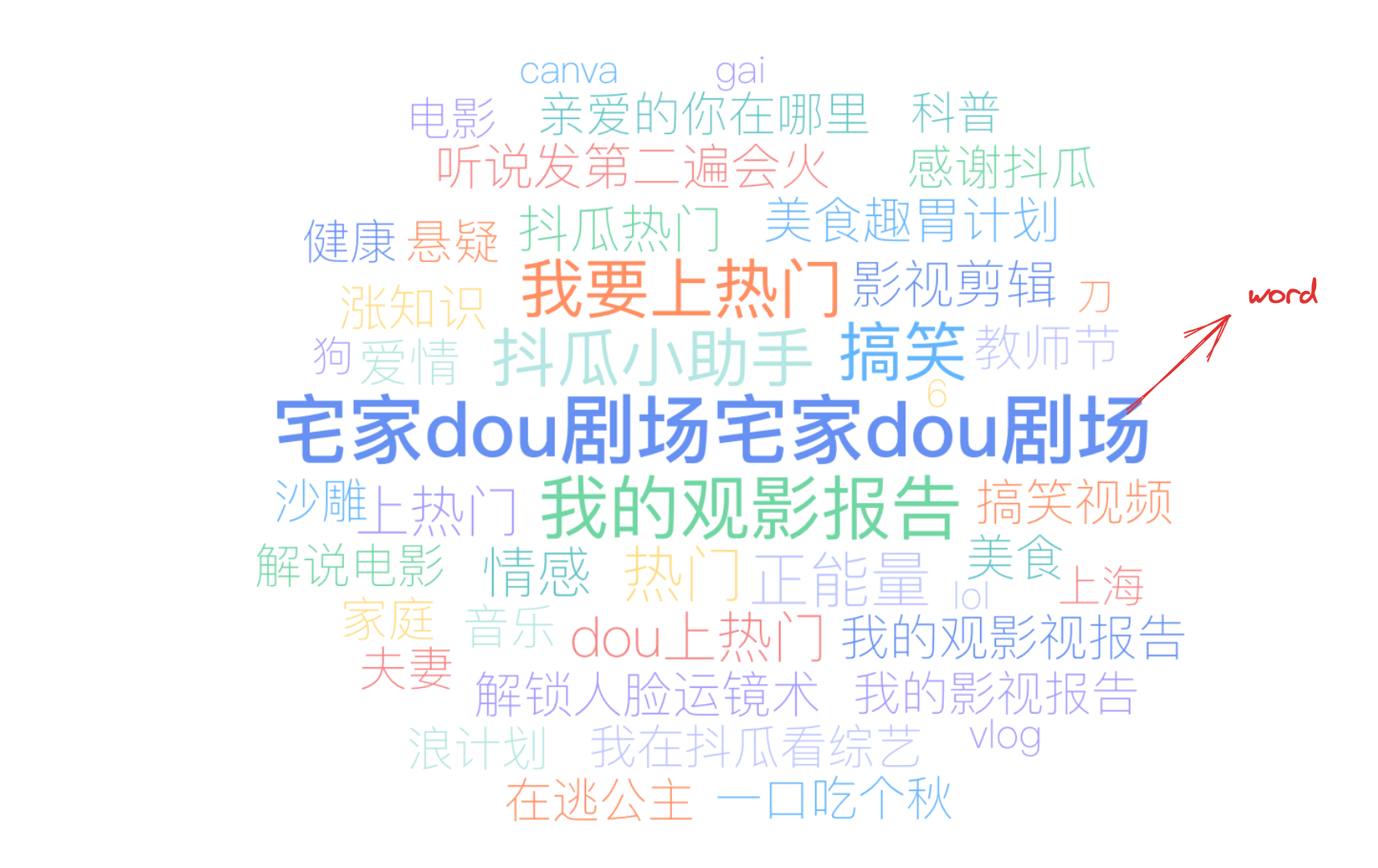
A word cloud, also known as a tag cloud or text cloud, is a visualization method that displays text data in the form of an image. In a word cloud, the larger the font of a word, the higher its frequency; conversely, the smaller the font, the lower the frequency. Through the word cloud, users can intuitively see the content with higher frequency in the text data, thus quickly obtaining key information.
Word Cloud and Shape Word Cloud:
In VChart, "Word Cloud" and "Shape Word Cloud" have different layout algorithm logic, so the corresponding configurations are slightly different, with differences between wordCloudChart.wordCloudConfig and wordCloudChart.wordCloudShapeConfig configurations.
So how do you know if you've configured a "Word Cloud" or a "Shape Word Cloud"?
When wordCloudChart.maskShape is configured or set to a built-in shape, it is considered as "Word Cloud", otherwise it is "Shape Word Cloud".
Chart Components
The word cloud consists of text elements, tooltips, and other components.
Text elements are the basic elements of a word cloud, and the following settings are essential:
wordCloudChart.type: Chart type, the type of word cloud is 'wordCloud'
wordCloudChart.data: Data source for chart drawing
wordCloudChart.nameField: Text field, mapping the text of text elements
wordCloudChart.valueField: Value field, mapping the size of text elements
Tooltips and other components are optional, with default effects and functionalities:
When there is ultra-long text in the data, the part of the text exceeding the canvas will be clipped, and the entire text will not be displayed. It can be handled by the wordCloudConfig.drawOutOfBound property declaration for ultra-long text processing out of the canvas; clip: Draw ultra-long text, clip the part out of the canvas; hidden: Do not draw ultra-long text
Special Data Scenario 2: Too Few Words
When there are fewer words, the text will be magnified to adapt to the canvas width and height
wordCloudConfig.zoomToFit property declaration for adaptive zoom configuration of the word cloud; enlarge: When enabled, the text will be magnified to adapt to the canvas width and height when there are fewer words, and the maximum font size can be set by fontSizeLimitMax, default is to fill the entire canvas
Special Data Scenario 3: Too Many Words
wordCloudConfig.zoomToFit property declaration for adaptive zoom configuration of the word cloud; shrink: When enabled, the entire canvas will be scaled down to fit as many words as possible when there is not enough space for words. The minimum font size can be set by fontSizeLimitMin, default is 0, i.e., fitting all words
Text Formatting
Custom functions can be used to modify the text display content.
word.formatMethod property declaration for custom text formatting function, this configuration can modify the display content of word cloud text, without modifying the original data, and without affecting tooltips and other built-in interactions and events
Random Text Angle
If you want the text to have a random angle during layout, you can configure wordCloudChart.rotateAngles, this array can include optional random angles.
Layout Modes
There are three layout modes available in VChart, configurable with wordCloudChart.wordCloudConfig.layoutMode.
'fast': Fast layout, fast layout speed without guaranteed effect, for Mini Program & App Environment
The shape of the word cloud can be configured through wordCloudChart.maskShape, which supports image URL format.
Custom Color Mapping
Configure color list to customize color mapping for core words and filling words.
The random color arrays of core words and filling words can be specified in wordCloudChart.colorList and wordCloudChart.wordCloudShapeConfig.fillingColorList respectively